Talk. It types.
Push-to-talk dictation for macOS that runs entirely on your Mac. Hold a key, speak, release — transcribed on-device and inserted wherever your cursor is.
Download for macOS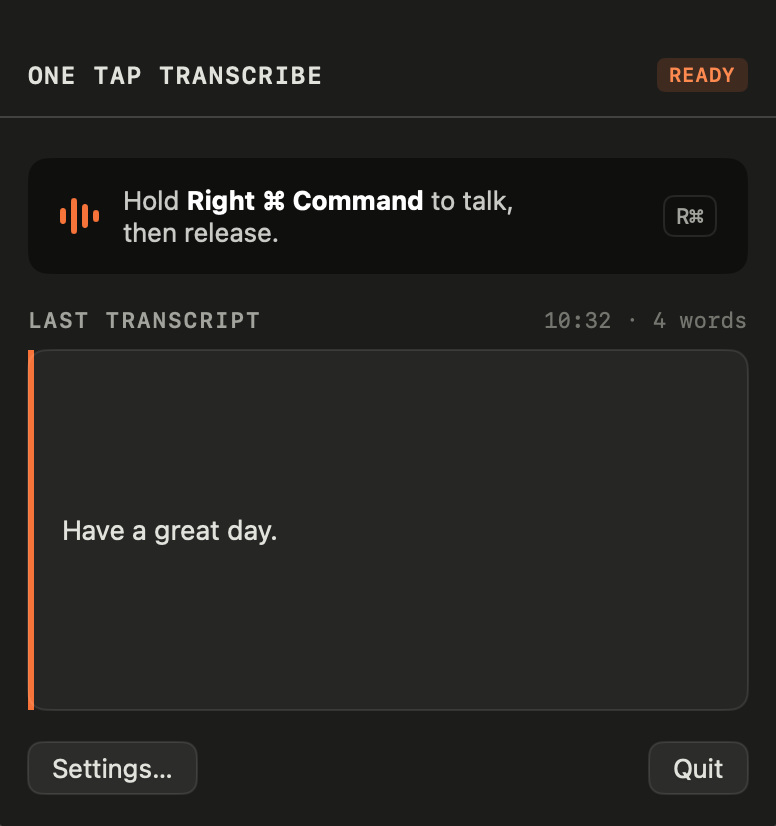

A look inside
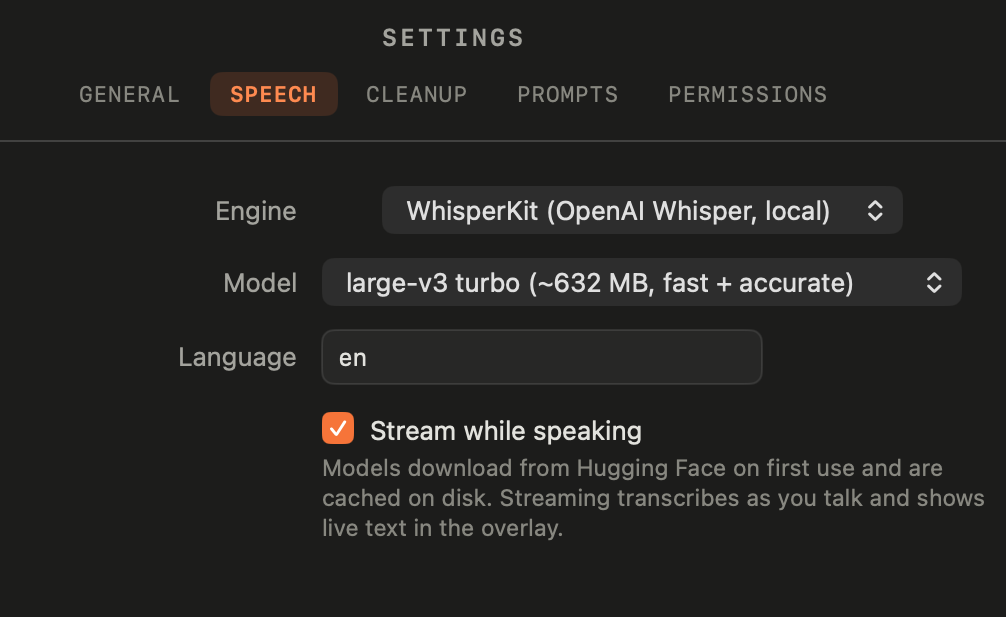
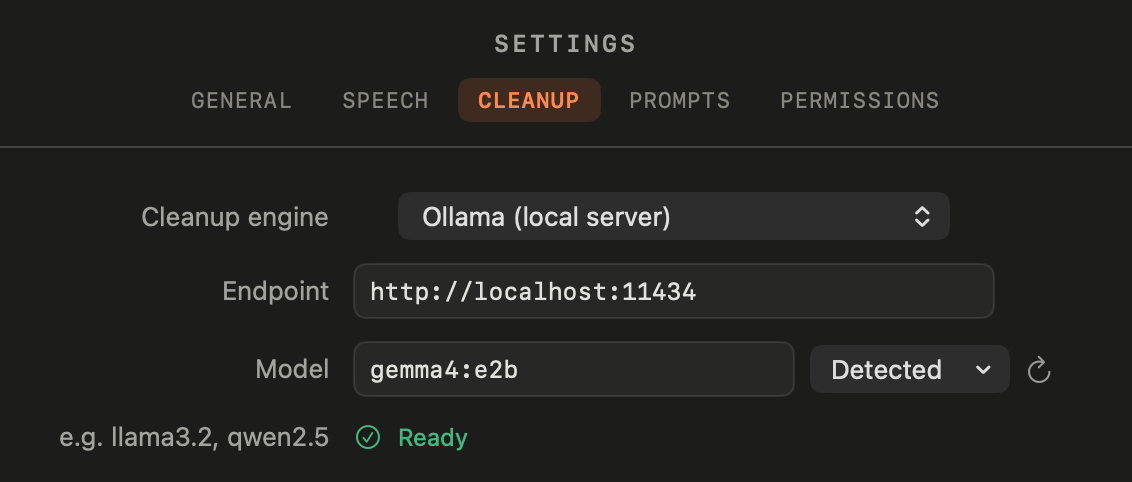
Everything is configurable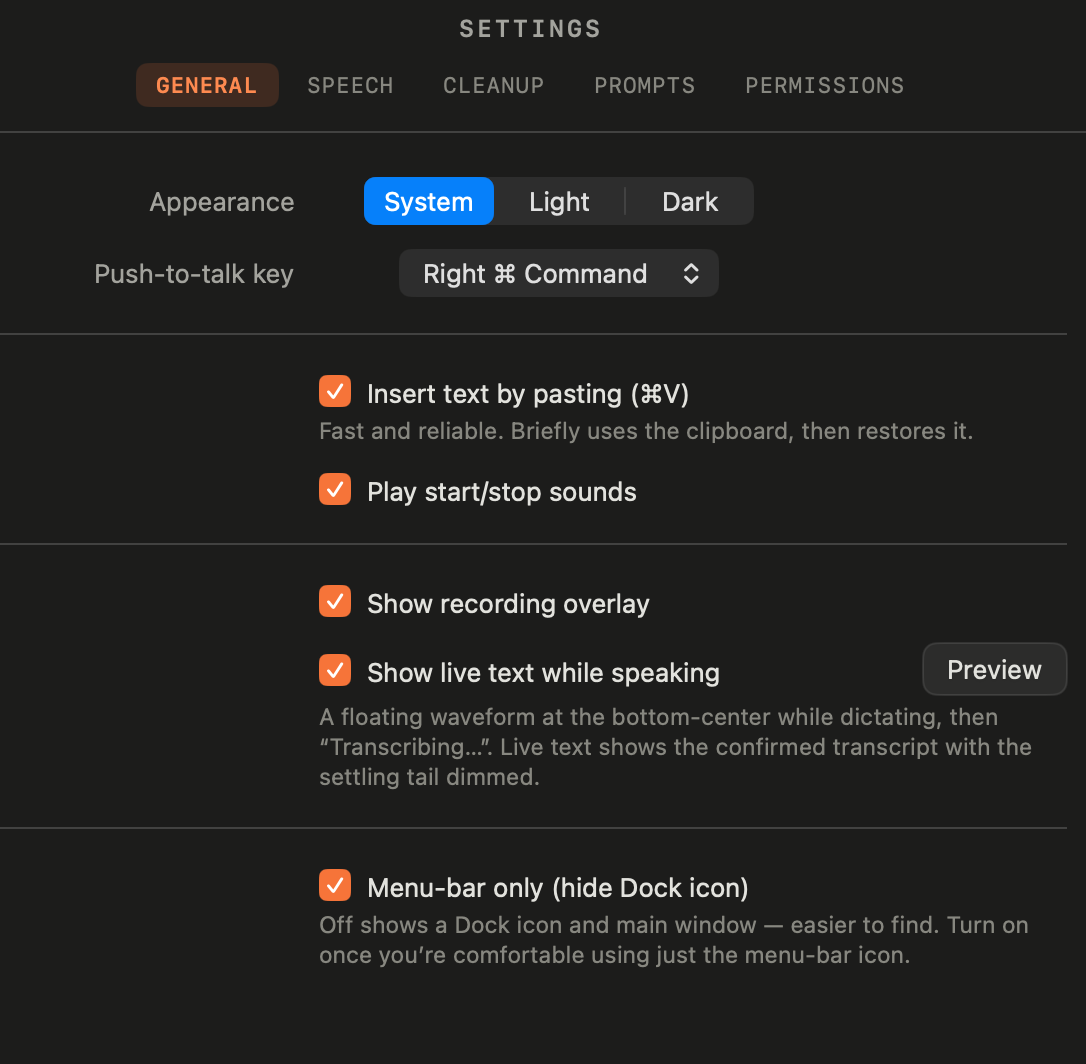
Fully on-device
No accounts, no API keys, no network at inference. Your voice never leaves the Mac.
Push-to-talk
Hold a modifier key, speak, release. Text pastes at your cursor in any app.
OpenAI Whisper, locally
WhisperKit (Core ML) or Apple's built-in on-device speech engine — your choice.
Optional AI cleanup
Tidy filler words and punctuation with Apple Foundation Models, Ollama, or MLX — with a fully editable prompt.
Live overlay
A floating waveform shows your words appearing as you speak, then “Transcribing…”.
Yours to change
MIT-licensed and open source. Build it, fork it, tweak every prompt and default.
Private by design
Everything — recording, transcription, and cleanup — happens on your Mac. There are no analytics and no servers. The only network use is a one-time model download, or a local LLM you run yourself.
- Download the .dmg and drag One Tap Transcribe to Applications.
- Launch it — a waveform icon appears in the menu bar.
- Grant Microphone and Accessibility when asked.
- Hold Right ⌘, speak, release. That's it.
Requires macOS 26 (Tahoe) or later on Apple Silicon. First dictation downloads the speech model (~600 MB), cached for next time. Signed with a Developer ID and notarized by Apple — opens without warnings.